
Live Tracker: Connecting
Dino Tracker
View your live dino position, stats, map overlays, and pack tracking.
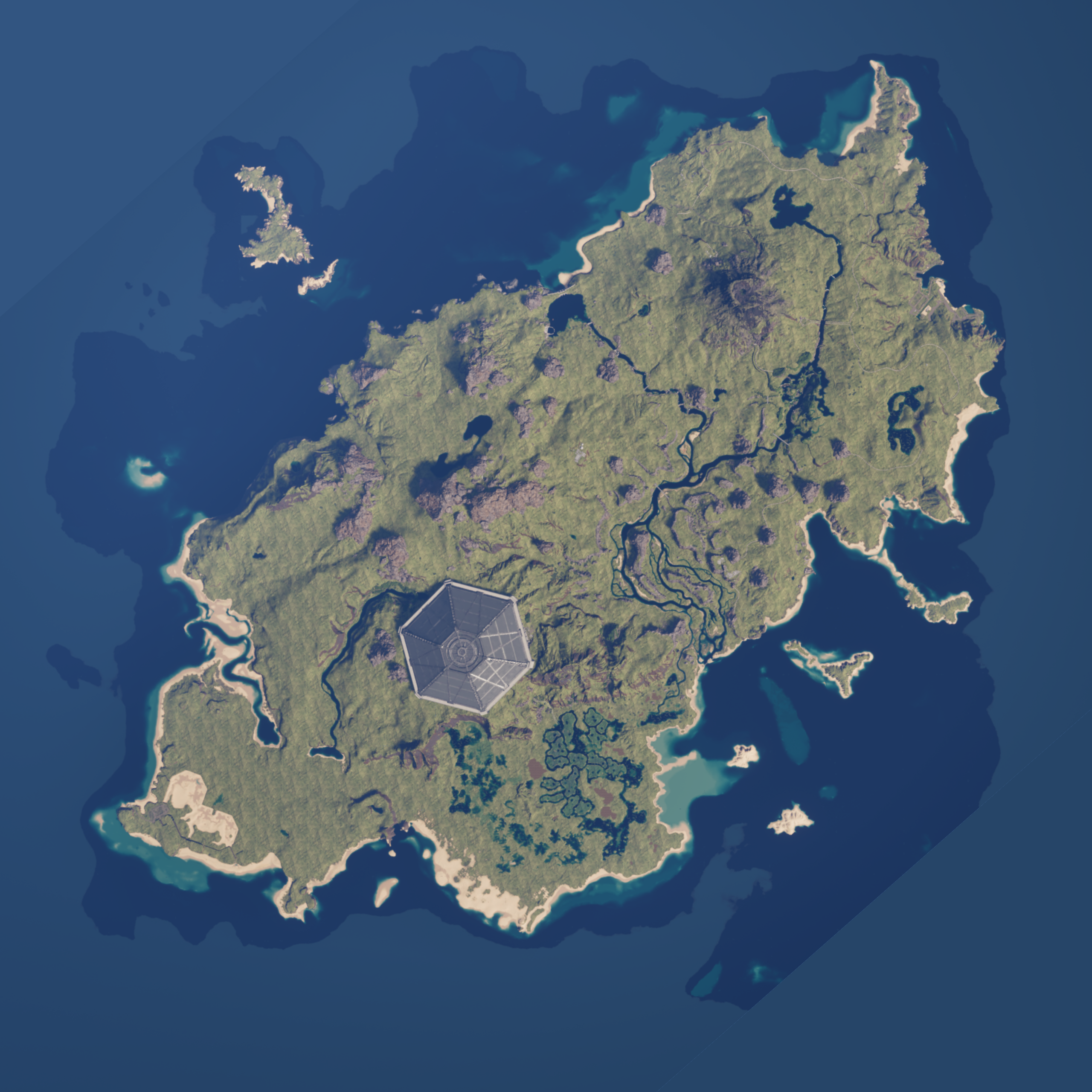
Gateway Map
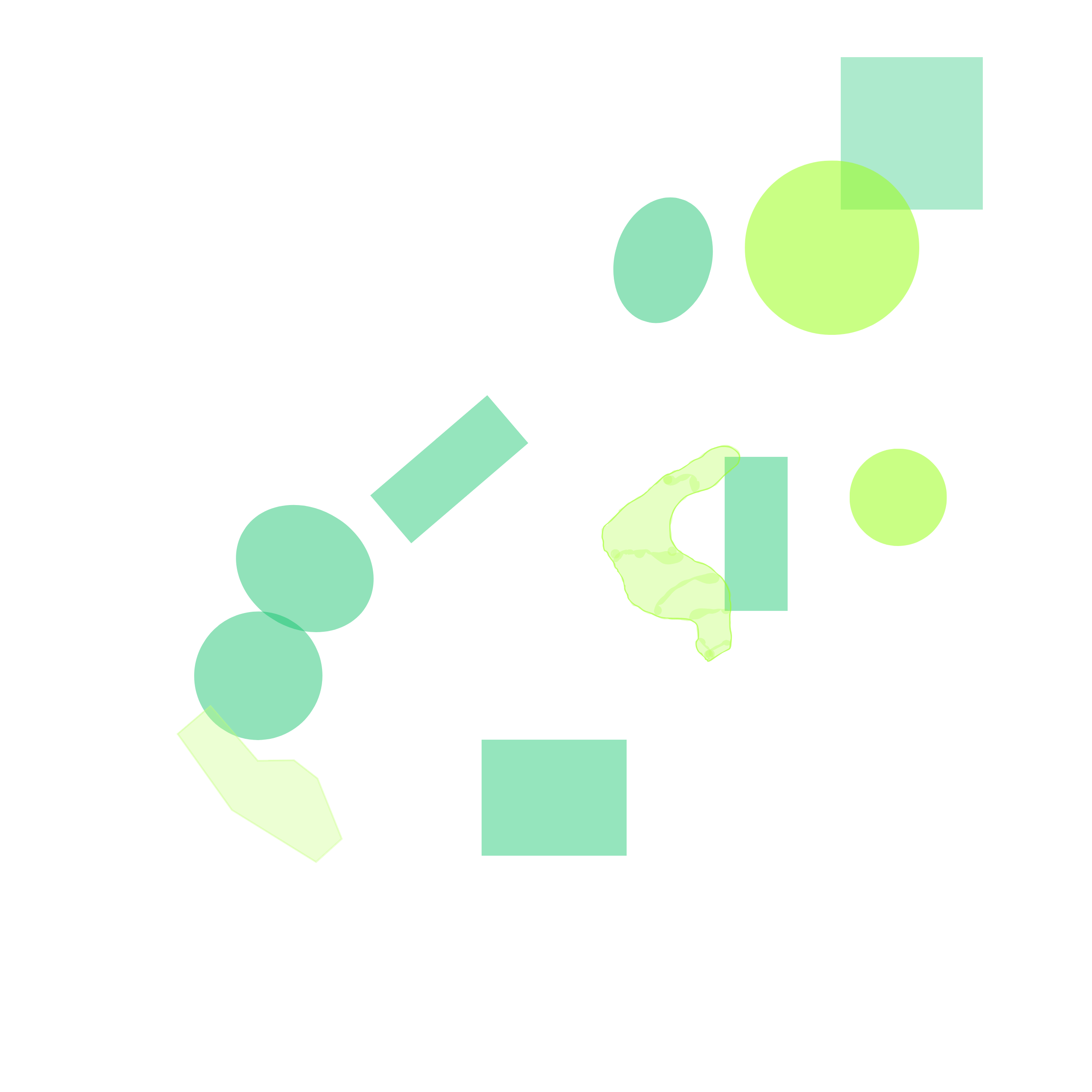
100%
Connecting...
How to Use the Tracker
Zoom to a region
Hover your mouse over the part of the map you want to inspect, then scroll up to zoom in. The map zooms toward your cursor.
Pan around
Once zoomed in, click and drag the map to move around.
Reset view
Click Reset under the map to return to the full map view.
Your marker
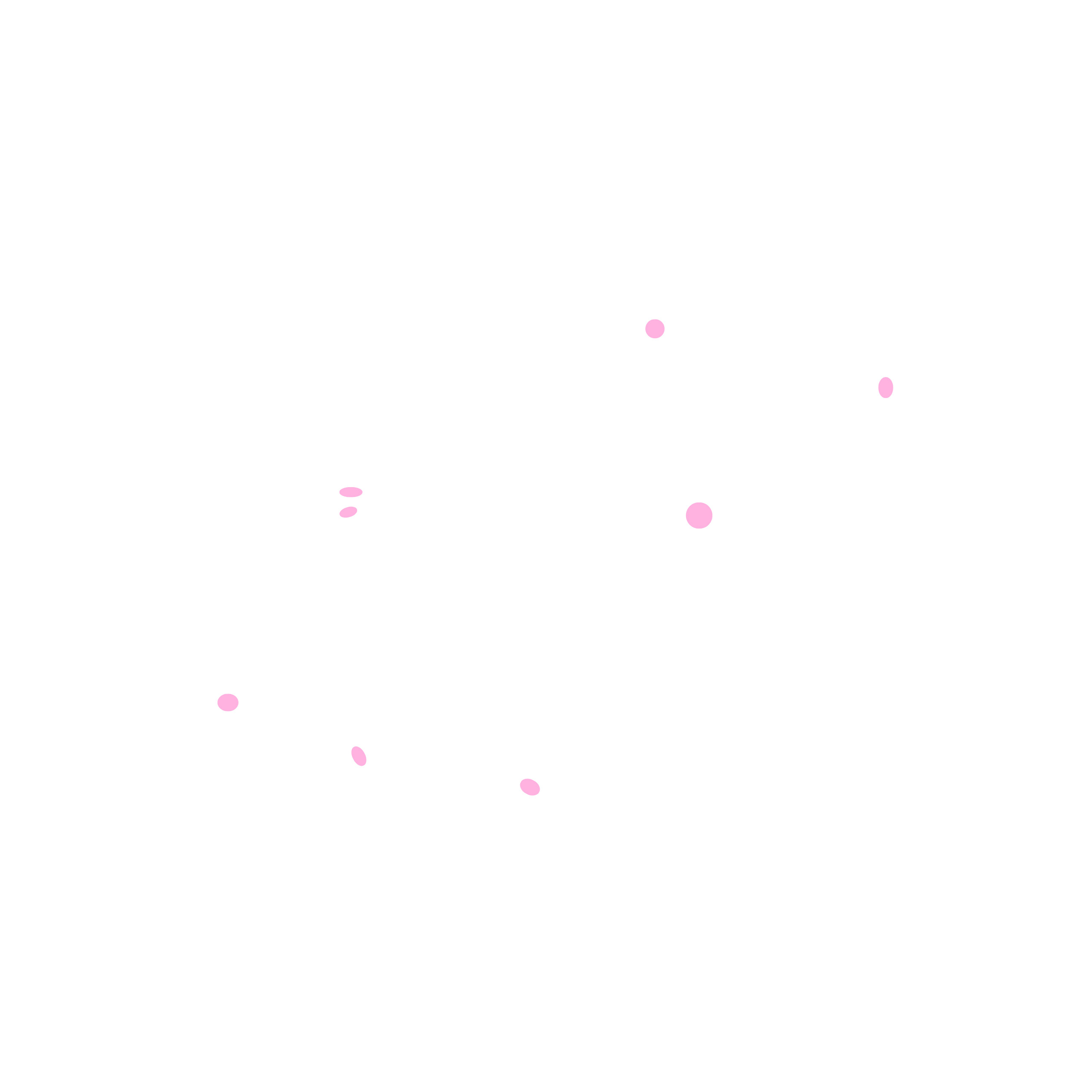
Your dino appears as the larger colored dot. Pack members appear as smaller dots with labels. Use Marker Settings to resize the pins.
Bounty target
When an active bounty target is spawned, a red-glowing 🎯 marker shows its live location, name, and species.
Map layers
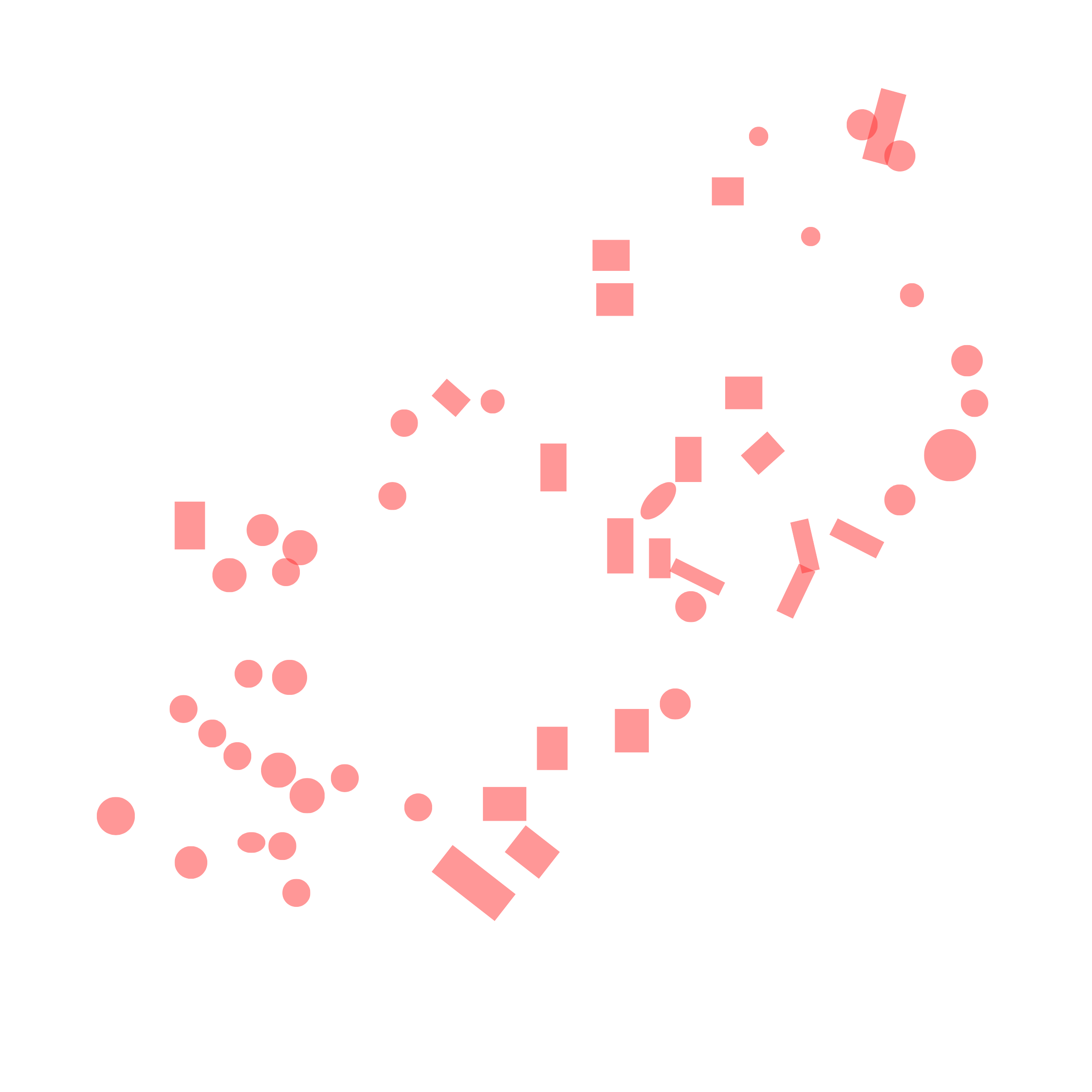
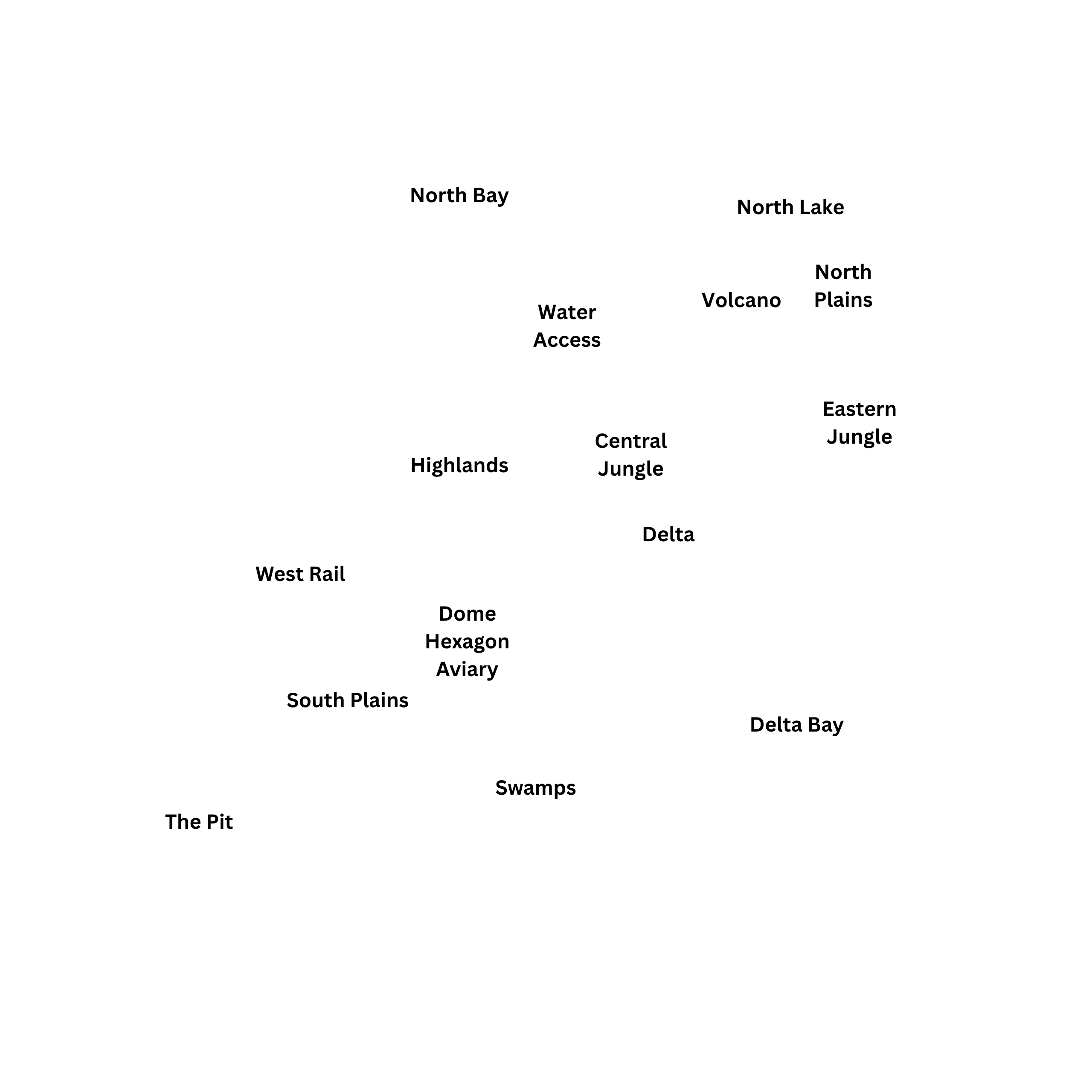
Use the layer checkboxes to show or hide Heatmap, Patrol Zones, Migration Zones, Sanctuaries, and Location names.
Tracking group
The Tracking Group box shows who is in your tracked pack. If you are the leader, Kick and Lead buttons appear beside other members.
Tip: start at 100%, hover over the region you want, then scroll in slowly.